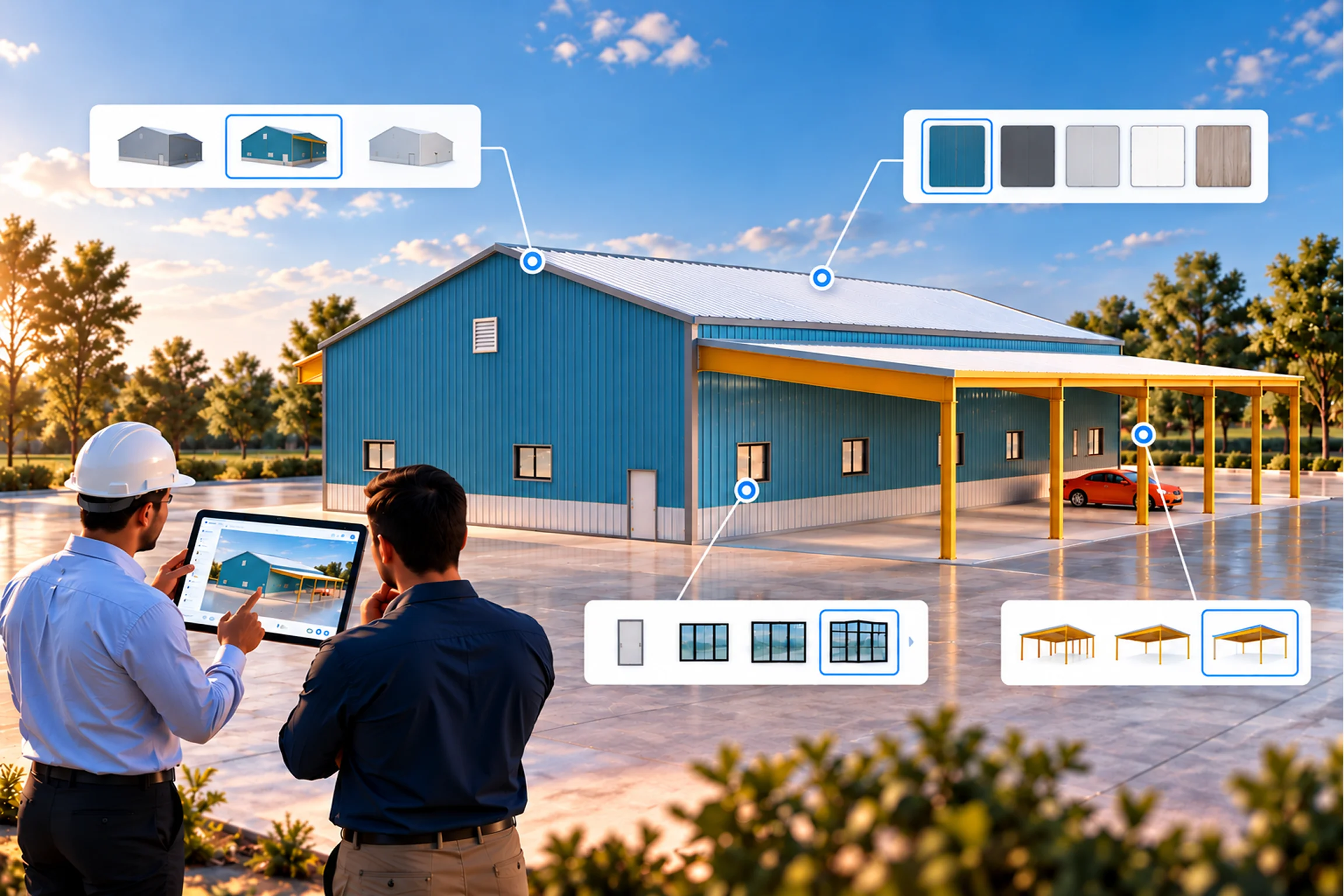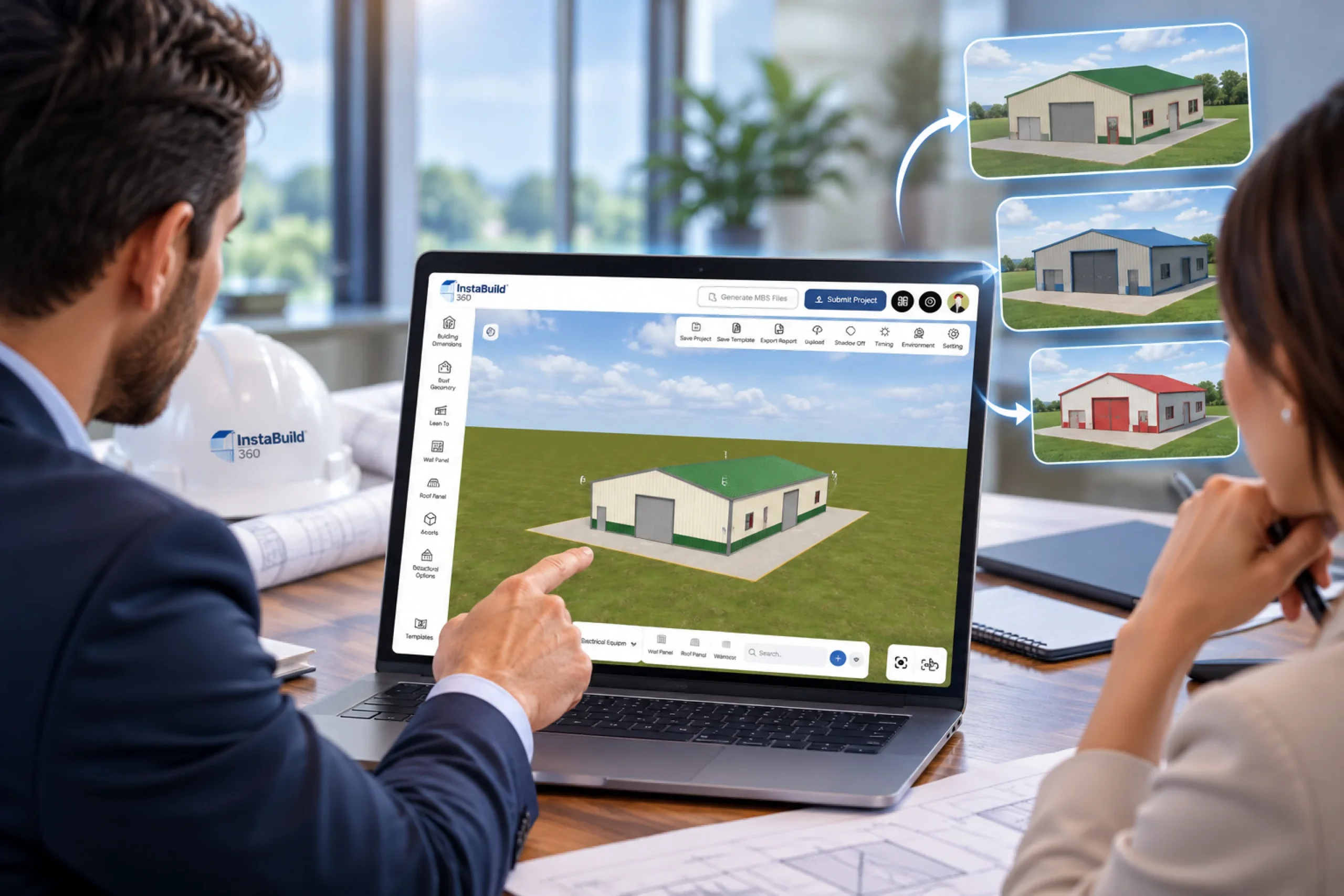
Metal building projects deal with a lot of configurable inputs. Dimensions, layout, structural elements, openings, extensions, all of them get defined early in the discussion.
Most teams already manage this through drawings and internal workflows. That part is not the issue.
What changes is how these configurations get reviewed and understood when multiple options are involved. Going through variations using only plans or documents takes time, especially when the same structure needs to be adjusted repeatedly.
3D visualization, when combined with configuration logic, gives a more direct way to work through these variations. The same inputs can be represented and adjusted in a visual model, which makes it easier to compare options and move forward without repeating the same process each time.
- Handles multiple configuration variations without repeating the process
- Makes layout and structural changes easier to review
- Keeps discussions focused when options increase
As the number of configurable elements increases, having a visual and interactive layer helps keep the process manageable without adding extra steps.
What is a 3D Configurator?
A 3D configurator is a system that allows users to visualize and configure a structure through an interactive model. Users can view the building from different angles, modify parameters such as dimensions, layout, and components, and see the impact of those changes in real time.
It typically runs in a web-based environment, which makes it accessible across devices without requiring specialized software. Each configuration reflects actual changes in the model rather than static representations.
Users can explore multiple configuration combinations within defined constraints. For example, they can adjust building size, modify openings, or change layout elements and immediately review how those changes affect the overall structure.
5 Reasons Why 3D Configurators are the future
1. Speeds up configuration and decision cycles
When users can work with a 3D configurator, they don’t need multiple rounds of explanation to understand what’s being proposed. They can explore options, adjust parameters, and review variations in the same session, which keeps the process moving without delays.
2. Improves demand visibility and planning
A 3D configurator captures actual user inputs instead of relying on assumed requirements. This gives better visibility into selected configurations, helping businesses align offerings, plan materials, and focus on frequently configured structures.
3. Reduces early-stage dependency on manual design support
Users can define layouts, adjust structural elements, and explore combinations within controlled rules. This allows initial requirements to take shape without involving design teams at every step.
4. More control over configuration inputs
A 3D configurator allows users to define materials, components, colors, and layout elements within a controlled environment. Instead of selecting from fixed options, they can adjust parameters based on their requirements and see how those changes affect the structure.
5. Removes dependency on physical samples
Users don’t need to rely on physical models or limited references to evaluate a structure. The 3D model represents different variations, allowing them to review configurations without needing a physical version of each option.
How 3D Configurators Improve Sales and Operational Efficiency
1. Shortens the sales cycle
A 3D configurator allows users to explore, configure, and evaluate a structure in real time. Instead of going through multiple rounds of discussions and manual quoting, users can define requirements and move forward with clarity during the same interaction.
2. Reduces configuration errors and rework
The configurator operates on predefined rules and constraints. It ensures that only valid combinations are selected, which reduces incorrect configurations and avoids reworking during later stages.
3. Improves order accuracy and specification clarity
Each configuration captures structured inputs such as dimensions, components, and layout. This reduces ambiguity and ensures that what gets defined during configuration aligns with what moves into production.
Impact on Customer Interaction and Decision Making
A 3D configurator changes how users engage with the product. Instead of selecting options through static interfaces, they interact with a model that reflects changes in real time.
This improves understanding and reduces hesitation during decision making.
- Users can visualize configurations from different angles
- Changes reflect instantly in the model
- Decisions are based on visual confirmation instead of assumptions
It also increases engagement. When users actively participate in configuring the structure, they tend to move forward with more confidence compared to passive selection processes.
Role of 3D Configurators in Handling Complex Configurations
Metal building structures involve multiple dependencies between components. Managing these manually increases the chances of invalid combinations or missed constraints.
A 3D configurator handles this complexity through embedded logic.
- Restricts invalid or incompatible configurations
- Guides users through step-based configuration flow
- Maintains feasibility across all selected options
This allows businesses to offer more configuration flexibility without increasing manual effort or risk of errors.
What Businesses Need to Consider Before Implementation
Adopting a 3D configurator involves more than just adding a visual layer. It needs to align with existing systems and workflows.
- Integration with existing systems such as ERP, CAD, or pricing engines
- Ability to handle increasing configuration complexity over time
- Alignment between design, sales, and technical teams
Without this alignment, the configurator remains isolated instead of becoming part of the workflow.
Conclusion
3D configurators are gradually becoming part of how metal building businesses handle configuration, sales, and early-stage planning. As the number of variables increases, relying only on static methods makes the process harder to manage at scale.
A configurator introduces a structured way to define, visualize, and validate configurations without adding extra steps. It connects user inputs with a visual model and keeps design, pricing, and requirements aligned during the early stages. This has a direct impact on how efficiently teams operate. Fewer iterations, clearer input, and better alignment reduce the effort required across sales, design, and execution.
Schedule a demo and visualize how InstaBuild360 can improve your pre-sales.